
Does AI Follow-Up Cut No-Shows, or Just Remind?
By James Hill, MetaTechAi ·
A calendar reminder repeats one alert on a fixed schedule. AI follow-up can prioritize booked leads using their source, booking gap, response history, and appointment outcome, then route unanswered high-risk cases to a person. Whether it reduces no-shows must be measured against your own bookings, not assumed from the word AI.
Answer: A calendar reminder sends the same text or email to every booked lead on a fixed schedule, no matter how likely that specific person is to skip the visit. AI no-show follow-up for a service business scores each lead's no-show risk from real signals (lead source, days until the visit, how they have responded so far), then runs a different sequence of channels and timing for a high-risk lead than for a low-risk one, and hands the ones who still do not answer to a live rep instead of sending another automated nudge.
A dental practice and a med spa booking the same number of consults a week can have very different no-show problems with the exact same reminder app turned on, because the app cannot tell a same-day walk-in booking from a lead who filled out a form three weeks ago and has not answered a single text since. That gap is the real question behind "ai no show reduction service business": whether the system treats every booked lead the same way, or treats a shaky lead differently than a solid one. We run managed sales follow-up for service businesses with sales teams, and the honest answer is that a reminder and a risk-scored sequence are not the same category of tool, even when both show up as a text message on the lead's phone.
Why Do Calendar Reminders Fail to Stop Sales-Consult No-Shows?
A calendar reminder is built to answer one question: did this event get written to the calendar. It fires on a fixed offset (the day before, the morning of) and sends the identical message to a buyer who booked five minutes ago and a buyer who booked two weeks ago and has gone quiet since. That is fine for a dentist's cleaning the same patient rebooks every visit. It is not fine for a sales-driven consult, where the lead has not bought anything yet and the booking itself is the first real commitment they have made.
Sales-consult no-shows cluster around a few patterns a generic reminder cannot see: leads who booked through a paid ad and never picked up a confirmation call, leads whose appointment sits more than a week out and cool off in the gap, and leads who rescheduled once already (a strong signal the second slot is also at risk). These three cases get treated the same as a lead who booked directly with a returning customer and confirmed within the hour, once a flat reminder is the only tool running. Service businesses with sales teams, think home remodels, med spas, dental implant consults, solar and roofing estimates, feel this hardest because the dollar value per missed visit is high and the sales rep's calendar is the thing actually sitting empty.
What Actually Makes AI Follow-Up Different From a Reminder?
Three things change once you move from a fixed reminder to risk-scored follow-up, and none of them are about writing a smarter-sounding text.
Risk, not a fixed calendar offset, decides which path a lead travels. A lead who booked directly, confirmed fast, and has a short gap to the visit might get one text the day before and nothing else, while one who came in through a paid ad with a longer gap and no confirmation reply gets a longer sequence that starts earlier and uses more than one channel. Channel order follows that same logic instead of blasting every channel at once: a practical sequence can lead with a text, move to a call if the text goes unanswered, and use email as the written record rather than the primary touch. A service business can review the call-side workflow in RizzDial's AI voice agent article, which compares missed-call text back with an AI voice agent for agencies.
What finally separates the two approaches is whether the loop closes. Reminder apps have no idea whether the lead showed up, since nothing reports back to them. Risk-scored follow-up writes the outcome (showed, no-show, rescheduled, canceled) back onto the lead record, so next week's scoring gets sharper instead of running on the same static rule forever.
Public examples of this kind of follow-up already exist in healthcare scheduling. In a July 9, 2021 Nasdaq press release, Phreesia said its Appointment Accelerator uses AI and a custom rules engine to text patients about earlier openings, fill cancelled appointments, and reduce no-shows. The same release reported an average fill time of 5.3 minutes and said patients were seen 18.5 days earlier on average. That product is a healthcare waitlist tool, not a sales-consult reminder, so those figures are not a forecast for a med spa or home-services calendar. They are a dated, public example of rules-based text follow-up used to recover cancelled or missed visits.
How Do You Risk-Score a Lead for No-Show Likelihood?
This is the setup we walk a new client through before any sequence goes live. It is not a secret formula; it is a short, repeatable process you could run manually on a spreadsheet before you ever automate it.
- Pull your last ninety days of booked consults and tag each one with its outcome: showed, no-show, rescheduled, or canceled.
- Group those outcomes by lead source, appointment type, and gap between booking and visit date, and note which groups carry more no-shows than the rest.
- Add a confirmation-responsiveness signal: did the lead reply to the first confirmation touch, or has every attempt gone unanswered so far.
- Set a simple threshold (for example, paid-ad source plus an unanswered confirmation equals high risk) rather than trying to build a perfect score on day one.
- Route high-risk leads into a longer, multi-channel sequence and low-risk leads into a single light touch, so you are not spending the same effort on every booking.
- Write the real outcome back onto the lead after the visit window closes, then revisit your thresholds on a fixed cadence instead of letting them go stale.
A kitchen-remodel sales team we use as a working example (illustrative, not an actual client) ran this against their own booking history and found that leads who rescheduled once before the visit carried most of their no-shows. That single signal, not a generic day-before text, became the trigger for their longer sequence.
How Does Risk-Scored AI Follow-Up Compare to Generic Reminders?
| What it does | Calendar reminder | Risk-scored AI follow-up |
|---|---|---|
| Trigger logic | Fixed offset before the appointment, same for every booking | Lead risk score built from source, gap, and response history |
| Channel order | One channel, usually text or email, sent once or twice | Text, then call, then email, ordered and timed by risk |
| Treats a paid-ad lead vs. a direct booking | The same | Differently; paid-ad and long-gap leads get more touches |
| What happens on no answer | Nothing further until the next fixed reminder | Escalates to a live rep call-back task, not another auto-text |
| Learns from outcomes | No feedback loop | Outcome (showed, no-show, rescheduled) feeds the next score |
| Who it suits | Returning-customer appointments, low commitment visits | Sales-driven consults where the booking is the first commitment |
None of this is an argument that reminders are useless; loyal, returning customers with a habit of showing up barely need more than one. New, sales-driven consults are where the gap actually shows up, and that is exactly where most service businesses are losing calendar time without realizing the reminder tool was never built for that kind of lead.
What Does a Multi-Channel No-Show Sequence Look Like?
Here is the sequence shape we start most new clients on before we tune it to their own booking data, written out as a flow you can adapt inside your own CRM's workflow builder once you have the outcome data from the steps above. A confirmation touch opens the sequence right after booking, sent on the same channel the lead used to book: a text if they texted in, an email if they filled out a form. A risk check runs the next morning using the source, gap, and response signals described earlier, and the path splits from there. A low-risk lead gets one reminder the day before the visit and nothing else, while a high-risk lead gets a text the day before, a call if the text goes unanswered, and an email that serves as the written record of both attempts. Any lead who does not respond to the call attempt gets a live rep call-back task added to the sales calendar rather than a second automated message, and once the visit window closes, the outcome gets logged on the lead record that same day, win or lose, so the next scoring pass is working from real data instead of a guess.
Two internal pieces matter once this sequence is live. How much travel and appointment capacity your reps actually have that week should shape the call step, which is the same capacity question we cover in AI sales visit booking and travel capacity; a risk-scored sequence that books a replacement slot nobody can reach just moves the no-show problem instead of fixing it. Also, the confirmation touch needs to read like a person checking on a real appointment, not a bot reply, which is the distinction we lay out in lead response time: separate auto replies from sales help.
What Should You Ask Before You Buy an AI No-Show Tool?
Vendor demos show you the happy path, so the parts worth asking about are the ones that only show up after you have been live for a month. Start with what the tool does when a lead never answers any channel: if the answer is that it sends another automated message, that is a reminder wearing an AI label, not a risk-scored sequence with a human escalation step. Follow that with how the risk score updates after a visit happens, since a system that cannot write the outcome back and adjust is running a static rule, closer to a smarter reminder than a learning sequence. Finally, find out what happens to your existing booking calendar and CRM data if you stop using the tool; a sequence that reads and writes to the CRM you already run should leave your lead history intact, while one that locks your appointment data inside its own platform is a switching-cost problem you will not feel until you try to leave.
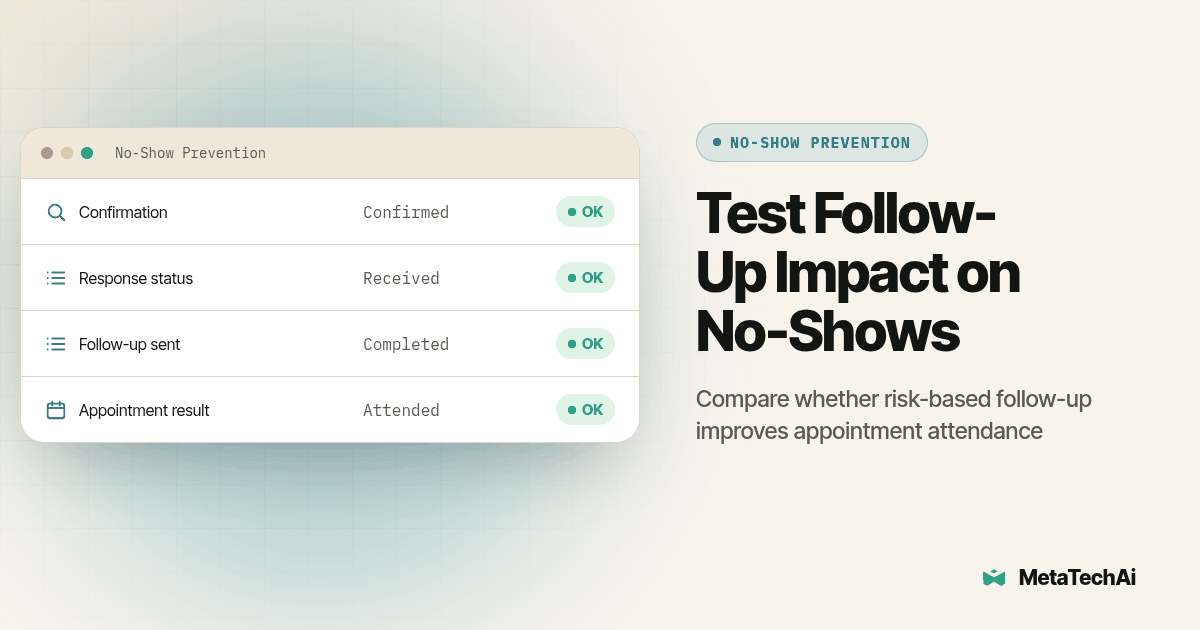
Treat this sequence as a workflow to test against your own appointment records, not as evidence that a particular message or channel will prevent a no-show. Appointment type, lead source, booking gap, customer preference, and staff availability can all change which follow-up is appropriate. Start with a small set of explicit rules, retain the reason each path was chosen, then compare completed visits and downstream sales for comparable groups before extending the sequence.
Workflow diagram: A horizontal flowchart with three lanes labeled "Low risk," "Medium risk," and "High risk," each starting from a single "Lead books a consult" box. One text bubble the day before the visit is all the low-risk lane shows before it ends. A text bubble followed by a call icon fills the medium-risk lane, ending at "Showed / No-show" logged back to a CRM database icon. An email icon after the call rounds out the high-risk lane, which branches to a "Live rep call-back task" box whenever the call icon is marked "no answer," with an arrow looping from the final outcome box back into the risk-score box at the start to show the score updating itself.
What Do Service Businesses Ask About AI No-Show Follow-Up?
Does AI no-show follow-up cost more than the text and email reminders we already send?
It is not priced as a separate reminder tool bolted onto your calendar. It is part of a managed sales system, so the cost sits inside the same engagement as your lead response and booking work, and MetaTech's standard is conversions go up or you do not pay. Our managed services work covers this kind of sequence as part of the broader follow-up build, not as an add-on line item.
How long does it take to turn on risk-scored follow-up for sales consults we already book?
Most of the setup reuses data you already have: lead source, appointment type, and past reschedule history. We connect to the calendar and CRM you already run and the scoring goes live inside the same onboarding window we use for the rest of a managed rollout, not a separate project.
Will this work with the CRM, booking calendar, and texting tool we already have?
Yes. Risk-scored follow-up reads appointment and contact data out of your existing CRM and calendar, and it sends through the text, call, and email channels you already have connected rather than asking you to move your booking system to a new platform.
Do we need extra compliance steps because the sequence texts and calls leads automatically?
Requirements depend on the channel, jurisdiction, and contact history, so review applicable consent and opt-out rules before enabling automated outreach.
If we switch from our current reminder tool, how hard is it to switch back?
Your appointment and contact records stay in your CRM the whole time, since the risk score is a field on the lead, not a new database; turning the sequence off just means the calendar reminder you already had resumes doing the reminding on its own.